I can’t tell you how much I appreciate iMedia Converter these days. With the new semester’s approaching, I have to prepare a presentation for class and share something in video form. I record these video files with my Cano which I learned are saved in AVCHD. Problem is that I was unable to insert them into my work. I also had no idea how to edit the videos: I need play these files as one video which I need combine them into one. What’s more head-aching, I need rotate some of them… well, I know that’s really a big job and I almost was going to be in despair while I was introduced iSkysoft iMedia Converter by one of my friends. I have to say: thank god and thank those developers! On the iSkysoft Stuido’s request, I’d like to share something about the software according to my own experience:
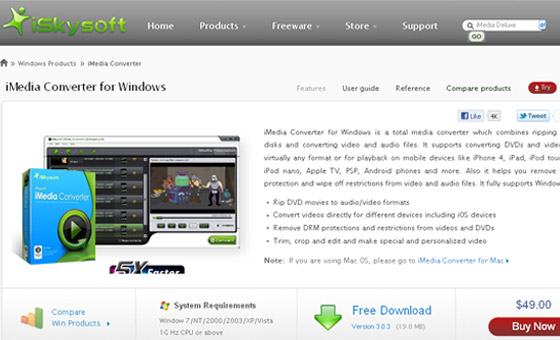
Convert DVD and Video to any popular audio/video formats
Though I only need convert my cam video clips to WMV for my presentation, I also find that the amazing iMedia Converter can do more: convert videos and rip any DVD including commercial DVDs and homemade DVDs to video files in any format like AVI, MKV, MP4, WMV and so on. I have to say: this’s indeed a great function which can help me to rip my DVD collection to my iPad then I can enjoy these movies on the move which keeping my precious DVDs from damaging at the same time!
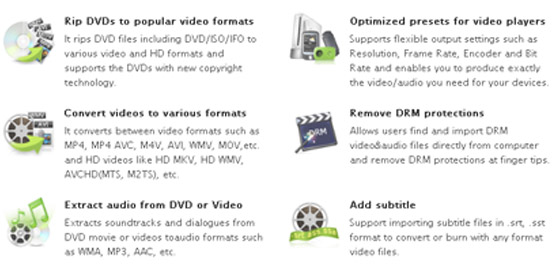
Compatible with many popular devices
I use iPad which gives me lots of fun alongside lots of troubles, the most “outstanding” one is video format. I bet that there are millions of iPad users then there are millions of problems as I have: iPad only accepts several particular video formats like MOV, MP4 and M4V while numerous video files are saved in other hotter ones including WMV, AVI, MKV…which requires us to convert incompatible video formats to compatible one. The iMedia converter gives broad support to popular portable devices and provides some optimized presets for iPad, iPhone, iPod, PSP, Xbox, Nokia, HTC, BlackBerry and more which help me a lot.
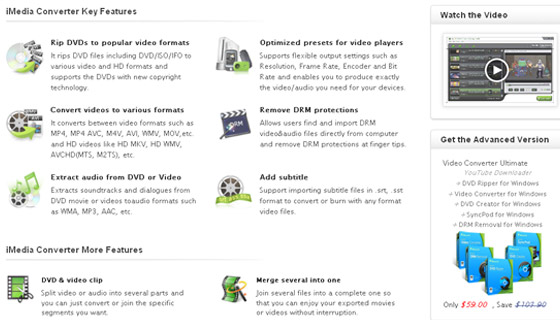
Edit video files with ease
Besides the conversion function, edit function is offered, too. I can merger my video files into one file only by checking “Merge into One File” in the main interface which did help. While recoding my clips holding my cam endways, I then have to rotate my videos. The iMedia Converter only requires me to click then the rotation is done. Extremely easy, I have to say. Additionally to these, the professional program supplies more edit functions to enhance video files. If interested in it, go to the iMedia converter page for more info:
Click Here
I finally want to express my own appreciate to those iSkysoft guys who really are friends of us with offering a big discount for our readers: any reader can get the higher level – Video Converter Ultimate with 30% from the link,What you waiting for? Gotta own it!